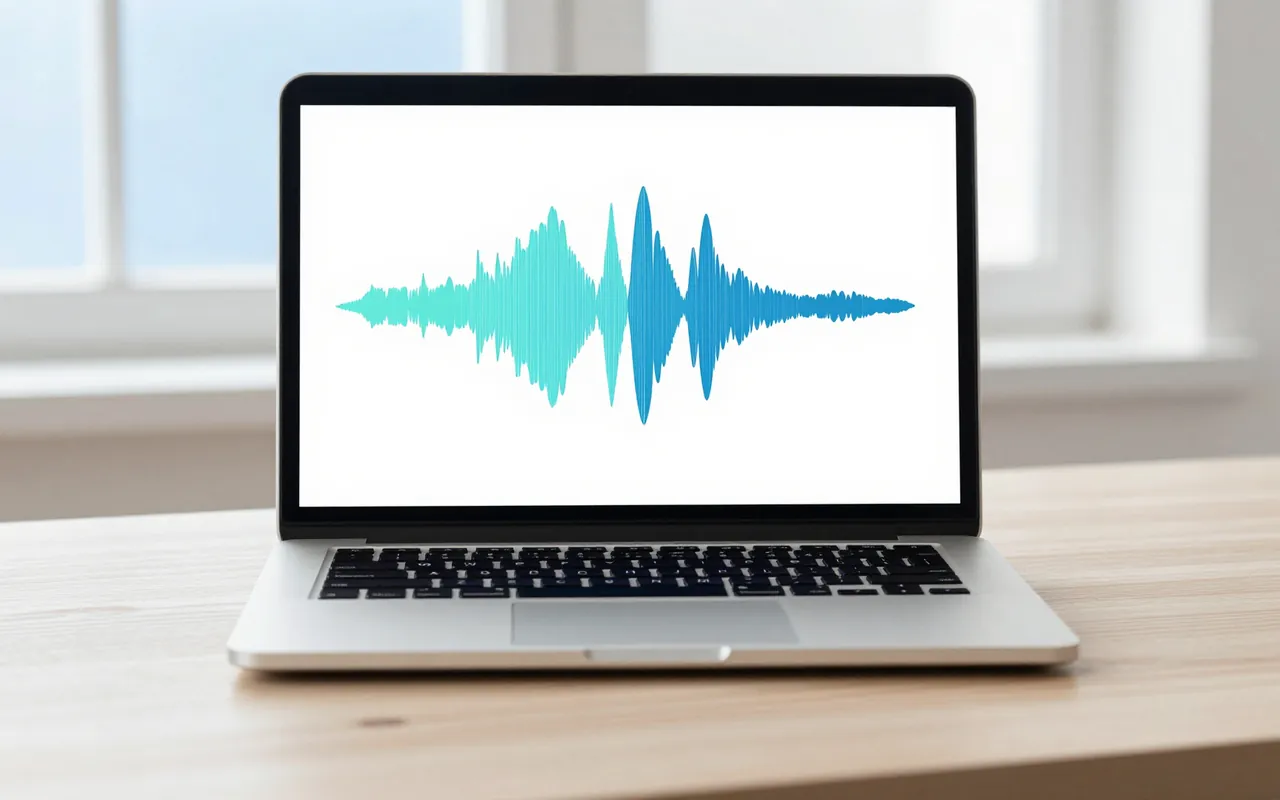
Local first, by design
Transcription and rendering run on your machine. Your raw footage and your voice never have to leave it.
Cutrova · text-based video editor
Cutrova is a local, text-based video editor. Cut, caption, and publish by editing the transcript.
What goes in
 CUTROVAEdit video by editing the wordscutrova.com
Import · Transcribe · Edit the words · Publish
What comes out
How it works
Record screen, camera, and mic, or drag in any file. Cutrova transcribes it locally with word-level timing.
Delete text to cut video. Strike a sentence, remove every filler word in one click, tighten pauses.
Add captions, titles, and b-roll. Reframe for vertical and export 16:9, 9:16, or 1:1.
Editing
Delete words and the video skips them, gaplessly. Strike, restore, reorder scenes, and undo it all. Kill every "um" and awkward silence in one pass, and audition a cut before you commit it.

Captions
One click reframes the story for 9:16. Captions stay styled and karaoke-highlighted, linted against broadcast limits, and export as SRT or VTT.
Pipeline
A Scene Manifest goes in, a finished video comes out. Cutrova's render server turns manifests into 16:9 or 9:16 masters on your own hardware, no editor open.
$ cutrova render manifest.json --profile vertical
Also built in
Transcription and rendering run on your machine. Your raw footage and your voice never have to leave it.
Styled, karaoke-highlighted captions in a click, linted against FCC, BBC, and Netflix limits.
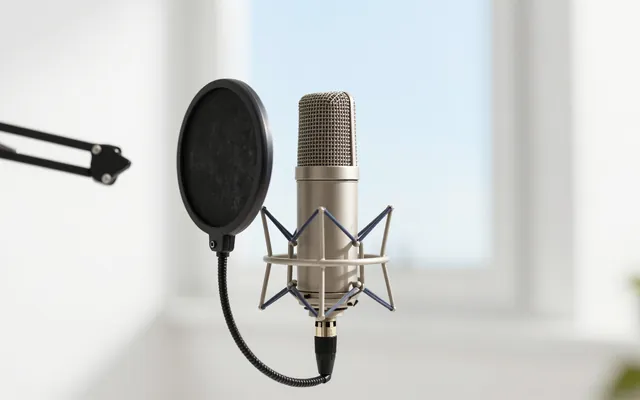
Clean up noise and even out loudness. No fancy mic or treated room required.
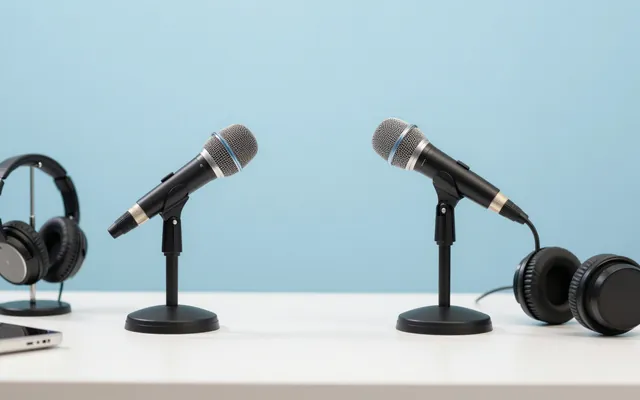
Drop in everyone's recordings. Cutrova syncs them, builds one script, and follows the active speaker.

"Remove the fillers, tighten pauses, and cut the boring intro."
It edits, you approve the diff.
"Most of editing spoken video is just editing words."
The idea behind Cutrova
Early access
Early access is open. Send a mail and we will get you set up.
Write to contact@cutrova.com